OVRLEY FAQ
GENERAL OVRLEY FAQ
Start with the basic questions first if you are deciding whether OVRLEY is worth trying.
OVRLEY is a small desktop project built for people who want telemetry overlays without subscriptions, cloud processing, or a rigid editor. These FAQ should explain the basics without you having to dig through release notes, issues, or scattered comments.
Yes, fully local, fully offline, zero installation.WHAT CAN OVRLEY READ AND SHOW
Most confusion here comes from the file, not the sport.
OVRLEY works with many kinds of activities and does not care about their type. It displays any supported data that actually exist in the activity - the source file decides what is available and this can differ by device, sensors, manufacturer or export method.
If the source file does not contain a field, OVRLEY cannot display it.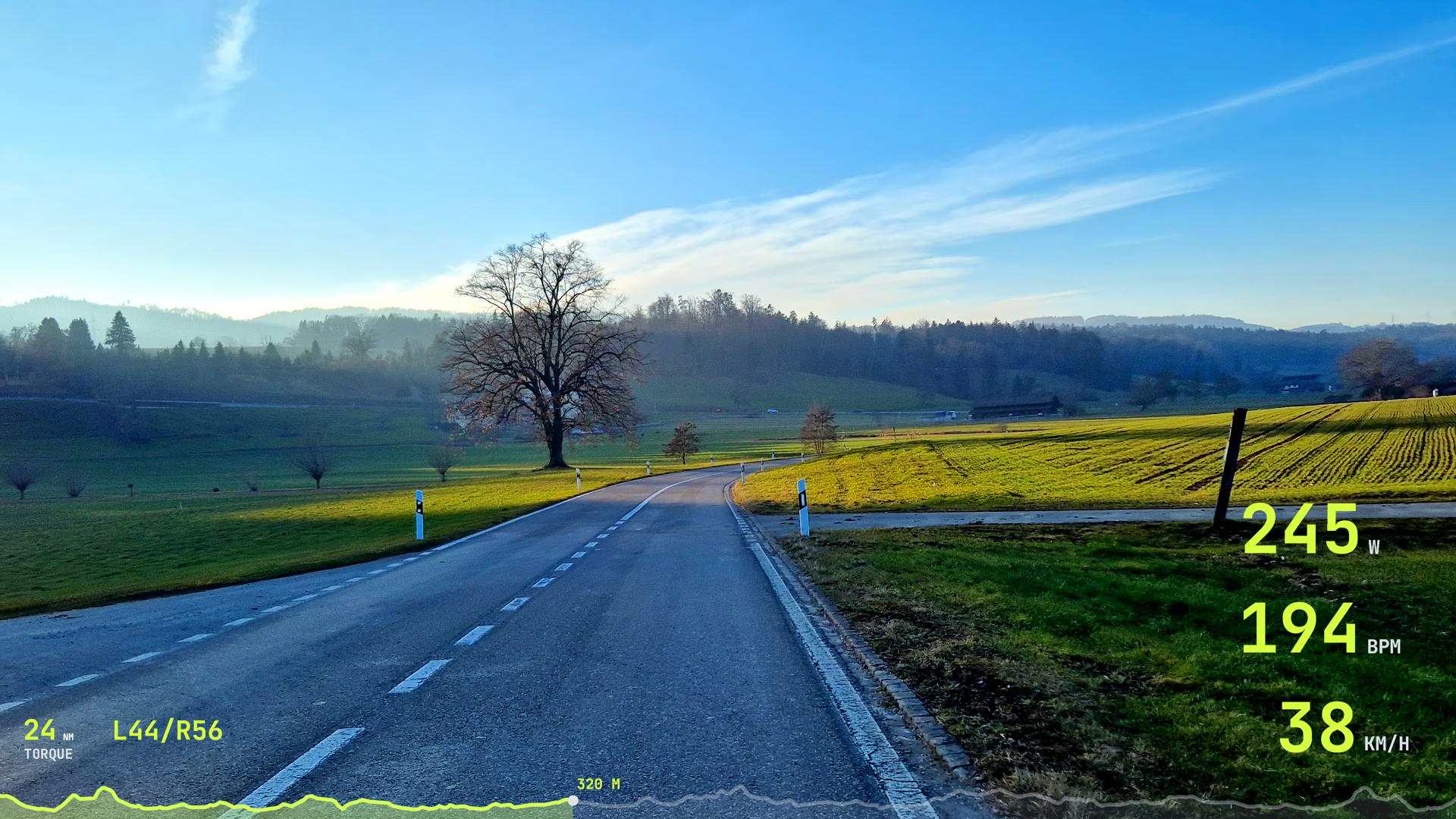
WHY SYNC GOES WRONG
Most sync issues come from mismatched clocks, trimmed or edited clips, or unavailable metadata in the video.
If your overlay does not line up, the problem is usually timing rather than a broken file. This often happens when video was edited or trimmed after recording, which can remove the metadata or make them unreliable. OVRLEY then does not know when the clip was really recorded.
Start by checking checking the camera clock mismatch, clip edits, and any pauses in the activity before changing the layout or export settings. Do not worry, you can always sync manually.
Clip trimming and editing often removes the metadata, preventing autosync.EXPORTS AND CODEC QUESTIONS
First decide whether you need a transparent overlay for editing or a finished video for upload. Then choose the codec that suits that job.
Hardware acceleration can speed up some export paths, but whether it is available depends on the codec, your hardware, your drivers, and the platform.
Choose based on delivery target, not on the fanciest codec name.